
Account Managers
Account Manager
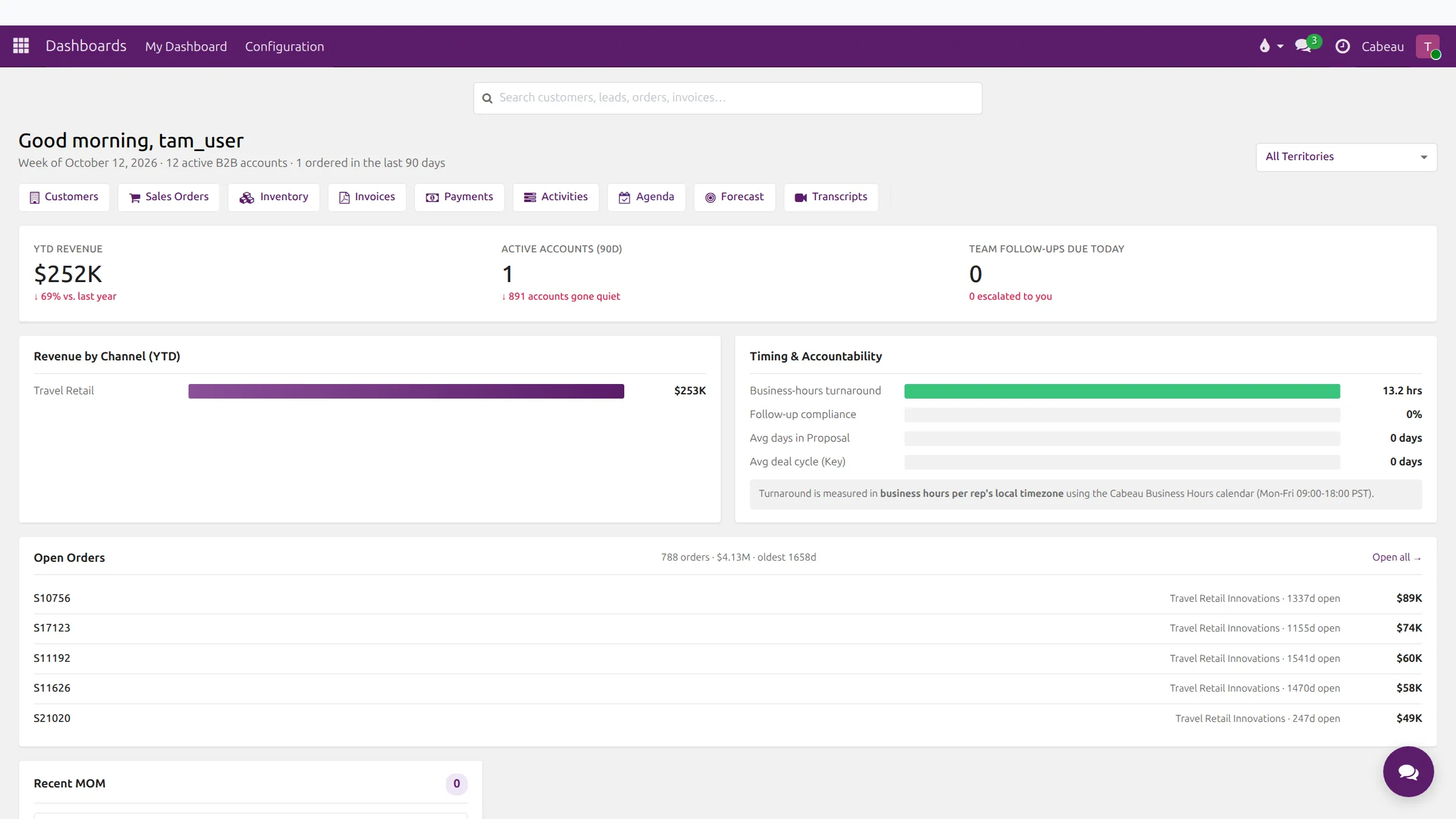
Your dashboard covers the accounts you manage. Account Manager workflow
As an Account Manager you see the accounts where you are the primary or secondary owner. Your dashboard, your forecast and your reorder signals are all scoped to those accounts, so the Hub shows your book of business and nothing else.
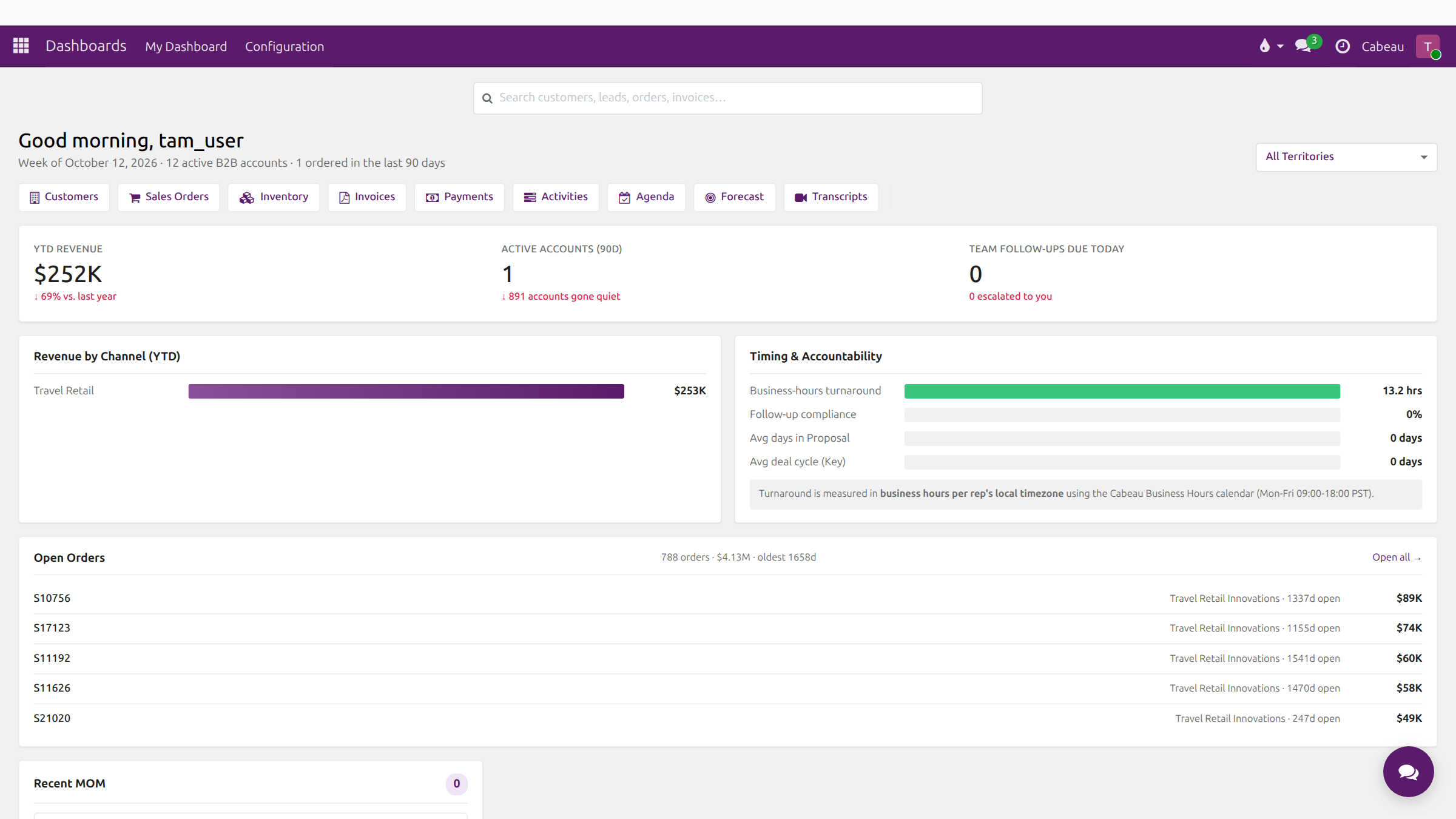
Your week in the Hub
Section titled “Your week in the Hub”- 1Start the day Every morning
- 2Look after your accounts Through the day
- Open an account from My Accounts Contacts, addresses, orders, pricing and the full email and note history.
- Check orders and stock Open orders, shipments, tracking numbers and stock by warehouse.
- Is the account going quiet? The reorder monitor compares recent orders with the account's usual cadence. Yes Reach out and plan the next step No Carry on
- 3Keep the forecast honest Monthly
- Review forecast against actuals My Forecast vs Actuals shows each account month by month, with last year beside it.
- Propose a change The year is locked, so a new figure becomes a change request for the VP of Sales.
- VP approves or rejects Follow your requests under Forecast > Change Requests.
Repeat every month
What you can open
Section titled “What you can open”| Menu | What it is for |
|---|---|
| CRM > My Accounts | Every account you own, with activities and country |
| CRM > Client Follow-ups | Scheduled follow-ups to customer contacts |
| Sales > Orders | Sales orders for your accounts |
| Sales > Products and Pricelists | Products and customer pricing |
| Cabeau Tools > Forecast | Forecast sheet, annual budget, change requests, and your forecast against actuals |
| Cabeau Tools > Reorder Monitor | Accounts gone quiet, signals, thresholds and order cadence |
| Cabeau Tools > Price Change Requests | Your price changes waiting for the VP of Sales |
| Cabeau Tools > Relationship Change Requests | Requests to change which parent account an account sits under |
Workflows for you
Section titled “Workflows for you”Step-by-step guides that follow one task across the Hub:
- Reorder alerts
- Reorder nudges until an order arrives
- Order cadence and unusual orders
- How forecasting works in the Hub
- Setting up a follow-up sequence
- Following up when a customer has not replied
- Customer emails in the Hub
- Reminders, escalation and response times
- Meeting notes: from the note-taker to tasks
- Your task list, and what the VP sees
- Checking inventory by warehouse
Feature guides
Section titled “Feature guides”| Guide | Covers |
|---|---|
| Dashboard | Headline numbers, under pace, at-risk accounts, quarterly progress |
| My Accounts | Your accounts list and the account record, including item pricing |
| Forecast | The forecast sheet, proposing a change, forecast against actuals |
| Reorder monitor | Order cadence, lapsed accounts and thresholds |
| Orders, pricing and stock | Sales orders, shipments, pricelists and inventory |
| Follow-ups and activities | Client follow-ups and your activities |
The Start here pages cover signing in, getting around and the AI assistant, which work the same for every role.